Roshan Tez-Net Wi-Fi
Discover Roshan Tez-Net, a fast 4G internet solution for homes and offices across Afghanistan. Learn about its benefits, key features, coverage, and how it compares with mobile data bundles to find the right internet solution for your needs.
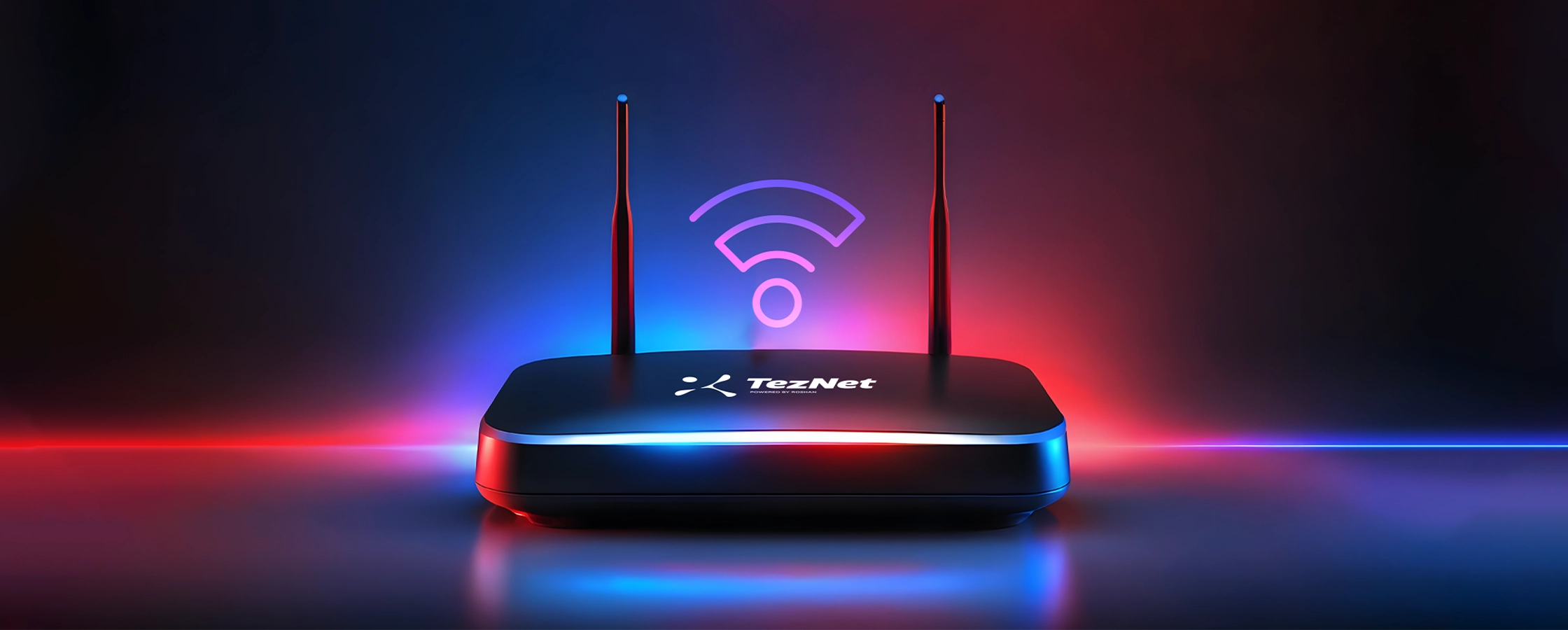
Roshan Tez-Net Explained: Fast 4G Home & Office Internet in Afghanistan
Roshan Tez-Net is Roshan's fast 4G internet service built for homes and offices in Afghanistan. The name comes from “tez,” meaning “fast” — and that is the idea: a strong, reliable connection that several people and devices can share at one location. This guide explains what Tez-Net is, how it differs from a mobile data bundle, who it suits, and how to get connected. To check availability and current plans, visit the Roshan Tez-Net page.
What is Roshan Tez-Net?
Tez-Net is a fixed-location internet service that runs on Roshan's 4G network. Rather than buying a small data bundle for a single phone, you connect a home or office and share that internet across phones, laptops, smart TVs and other devices. It is designed for places where a wired fibre line is unavailable or impractical — which describes much of Afghanistan, where mobile networks, not fixed lines, carry most internet traffic. In short, Tez-Net brings Roshan's mobile-network speed to a fixed address.
How is Tez-Net different from a mobile data bundle?
A mobile data bundle is tied to one SIM and is best for a single person on the move. Tez-Net is built for a shared, stationary connection with more capacity, so multiple users can stream, call and browse at once without quickly burning through a small allowance. If your household is buying several large monthly bundles every month, Tez-Net is often the more sensible and cost-effective answer. Compare the current mobile options on the tariffs page to see how your usage adds up.
Who is Roshan Tez-Net for?
Tez-Net suits anyone who needs steady internet at a fixed place:
• Families who stream video, make video calls and connect several phones at home.
• Students and remote workers who need a dependable connection for classes and online work.
• Small businesses and offices that run point-of-sale, email, cloud apps and staff devices.
• Shops, clinics and guesthouses that want to offer reliable Wi-Fi to staff and customers.
What can you do with Tez-Net?
Because Tez-Net is built for shared use, it comfortably handles the everyday demands a single mobile bundle struggles with: high-definition video streaming, frequent video calls, downloading large files, online learning, and keeping many devices connected at the same time. For a typical household or small office, that means fewer slowdowns when several people are online together, and no constant topping up of individual phone bundles.
How to get Roshan Tez-Net
Getting connected is straightforward:
1. Check that Tez-Net coverage is available at your address.
2. Choose a plan that matches how much your home or office uses the internet.
3. Complete sign-up and registration with valid ID, as required for connections in Afghanistan.
4. Set up the Tez-Net device, then connect your phones, laptops and other devices to its Wi-Fi.
You can start at a Roshan store, where staff will confirm coverage and recommend a plan. If you would rather ask first, reach the team through the contact us page.
How much speed and data do you need?
Before choosing a Tez-Net plan, think about how your household or office actually uses the internet. A single person browsing and messaging needs far less than a family streaming high-definition video on several screens at once. As a rough guide, web browsing and social media are light, music streaming and standard-definition video are moderate, and high-definition video, large downloads and frequent video calls are heavy. Multiply that by the number of people and devices that will be online at the same time. If several users stream and call simultaneously through the day, choose a higher-capacity plan so the connection stays smooth during busy evening hours when demand peaks.
Tez-Net vs buying multiple mobile bundles
Many households first try to cover everyone with separate phone bundles, then find the cost adds up and the data runs out mid-month. A shared Tez-Net connection is usually the more economical answer once three or more people need regular internet at the same address, because you are paying for one capable connection instead of several individual allowances. It also removes the daily friction of each person topping up and tracking their own bundle. If your monthly spend on phone data keeps climbing, Tez-Net is worth comparing directly against that total.
Tips to get the best Tez-Net speeds
Because Tez-Net uses the 4G network, placement matters. Put the device where the Roshan signal is strongest — often near a window or higher up — and away from thick walls and metal. Keep it clear of other electronics that can cause interference, and position it centrally so the Wi-Fi reaches every room. As with any shared connection, very heavy simultaneous use (several 4K streams at once, for example) can slow things for everyone, so match your plan to your household's real demand.
Frequently asked questions about Roshan Tez-Net
What does “Tez-Net” mean?
“Tez” means “fast,” so Tez-Net translates roughly to “fast net.” It is Roshan's fast 4G internet service for homes and offices.
Is Tez-Net the same as a phone data bundle?
No. A phone bundle is for a single SIM on the move, while Tez-Net is a fixed, shared connection with more capacity for multiple devices at one location.
Do I need a phone line or fibre for Tez-Net?
No fixed phone line or fibre is required. Tez-Net runs on Roshan's 4G mobile network, which makes it practical in areas where wired internet is unavailable.
How many devices can connect to Tez-Net?
Tez-Net is designed for shared use, so many devices — phones, laptops, TVs — can connect at once. Very heavy simultaneous use can reduce speed, so choose a plan that fits your needs.
Is Tez-Net available across Afghanistan?
Availability depends on Roshan 4G coverage at your specific address. Check coverage on the Tez-Net page or ask at a Roshan store before signing up.
How do I get help setting up Tez-Net?
Visit a Roshan store for in-person setup and plan advice, or reach the team through the contact us page with questions about coverage and pricing.