Roshan PUK Code and Blocked SIM: How to Unlock a Locked Roshan SIM Safely
SIM locked after too many wrong PIN attempts? Learn what a Roshan PUK code is, how to get yours, how to unlock a blocked Roshan SIM safely, and how to avoid it happening again. Few phone messages cause as much panic as SIM blocked or Enter PUK. It usually appears after a few wrong PIN entries, and suddenly your calls, messages, and data all stop. The reassuring truth is that a blocked SIM is almost always recoverable, and your number and services are safe as long as you follow the correct steps. This guide explains what a PUK code is, how to get yours, and exactly how to unlock a locked Roshan SIM without making things worse.
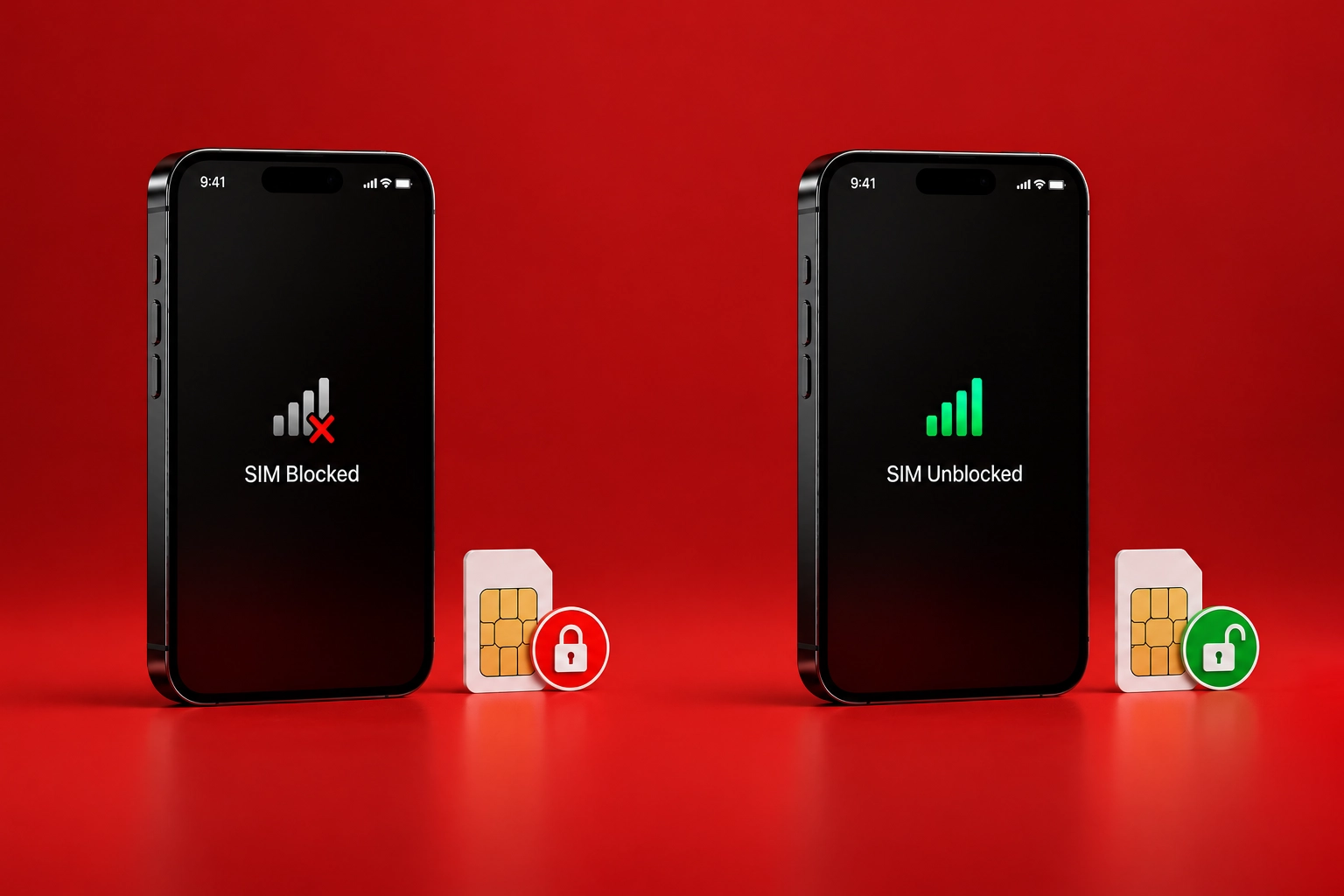
What is a PUK code?
A PUK, short for Personal Unblocking Key, is an eight-digit security code tied to your specific SIM. It exists as a second line of defense. If someone enters the wrong SIM PIN too many times in a row, the SIM locks itself and demands the PUK to prove that the rightful owner is present. This is a deliberate protection, not a fault, and it is what keeps a stolen SIM from being used freely.
It is important to understand the difference between the two codes. The SIM PIN is a short code you choose to protect the SIM, while the PUK is a fixed code assigned by the network that only unblocks the SIM after too many failed PIN attempts.
Why your Roshan SIM gets blocked
A SIM almost always blocks for one simple reason: repeated incorrect PIN entries. This can happen innocently, for example when a phone is in a pocket or bag and the keypad is pressed accidentally, or when a child experiments with a handset. Knowing the cause matters because it points to the fix, which is the PUK rather than a replacement SIM.
● Too many wrong SIM PIN attempts, which is by far the most common cause.
● Accidental key presses while the phone is locked or in a bag.
● A second-hand phone that still has an old SIM PIN enabled.
How to get your Roshan PUK code
Because the PUK protects your SIM, it is only given to the verified owner, and that is a good thing. There are a few legitimate ways to retrieve it, and you should never accept a PUK from a stranger or an unofficial website claiming to generate one, since a wrong PUK can permanently disable the SIM.
● Check the original SIM pack or card holder, where the PUK is often printed alongside the default PIN.
● Contact Roshan customer support, who can provide it after verifying your identity against your registration.
● Visit a Roshan service center with your ID document, which you can locate using the store finder.
How to unlock a blocked SIM step by step
Once you have the correct PUK, unlocking is quick, but accuracy matters because you have a limited number of attempts. Enter it carefully and calmly.
1. When your phone shows the PUK prompt, type the eight-digit PUK exactly as provided.
2. Enter a new SIM PIN of your choice when asked, then confirm it.
3. Your SIM unlocks immediately and your calls, messages, and data return.
One serious warning: never keep guessing the PUK. After a set number of wrong PUK entries the SIM is permanently blocked and cannot be recovered, which then requires a replacement SIM. If you are unsure of the code, stop and confirm it with support before trying again.
If your SIM is permanently blocked
If the PUK has already been entered incorrectly too many times, the SIM is beyond unlocking, but your number is not lost. Because your line is registered to you, a Roshan service center can issue a replacement SIM that keeps the same number after verifying your identity. This is also the moment to decide whether to switch to a digital SIM, and our eSIM guide explains how that option works.
How to avoid a blocked SIM in future
Prevention is easier than recovery. A few small habits keep you out of the PUK situation entirely.
● If you do not need a SIM PIN, consider disabling it so accidental presses cannot lock the SIM.
● If you keep the PIN, choose one you will remember and store the PUK somewhere safe.
● Use the My Roshan app for balance and bundle checks so you rarely need to handle the SIM at all, as covered in our USSD and My Roshan app guide.
Frequently asked questions
What is a PUK code on my Roshan SIM?
It is an eight-digit unblocking key tied to your SIM. It unlocks the SIM after too many wrong PIN attempts and is different from the short PIN you set yourself.
Where do I find my Roshan PUK code?
Check the original SIM pack, or get it from Roshan support or a service center after identity verification. Never use an unofficial PUK generator.
What happens if I enter the PUK wrong too many times?
After a set number of wrong PUK attempts the SIM is permanently blocked and must be replaced. Stop and confirm the correct PUK before retrying if you are unsure.
Will unlocking my SIM erase my contacts or number?
No. Unlocking with the correct PUK restores your SIM as it was, keeping your number and any contacts stored on the SIM.
Can I recover my number if the SIM is permanently blocked?
Yes. A service center can issue a replacement SIM with the same number after verifying your identity, since the line is registered to you.